
v3.16.0: Log Count Badge 💯
Publication Date: 08/02/2026
Author: Anas Chakroun

5-6 minutes
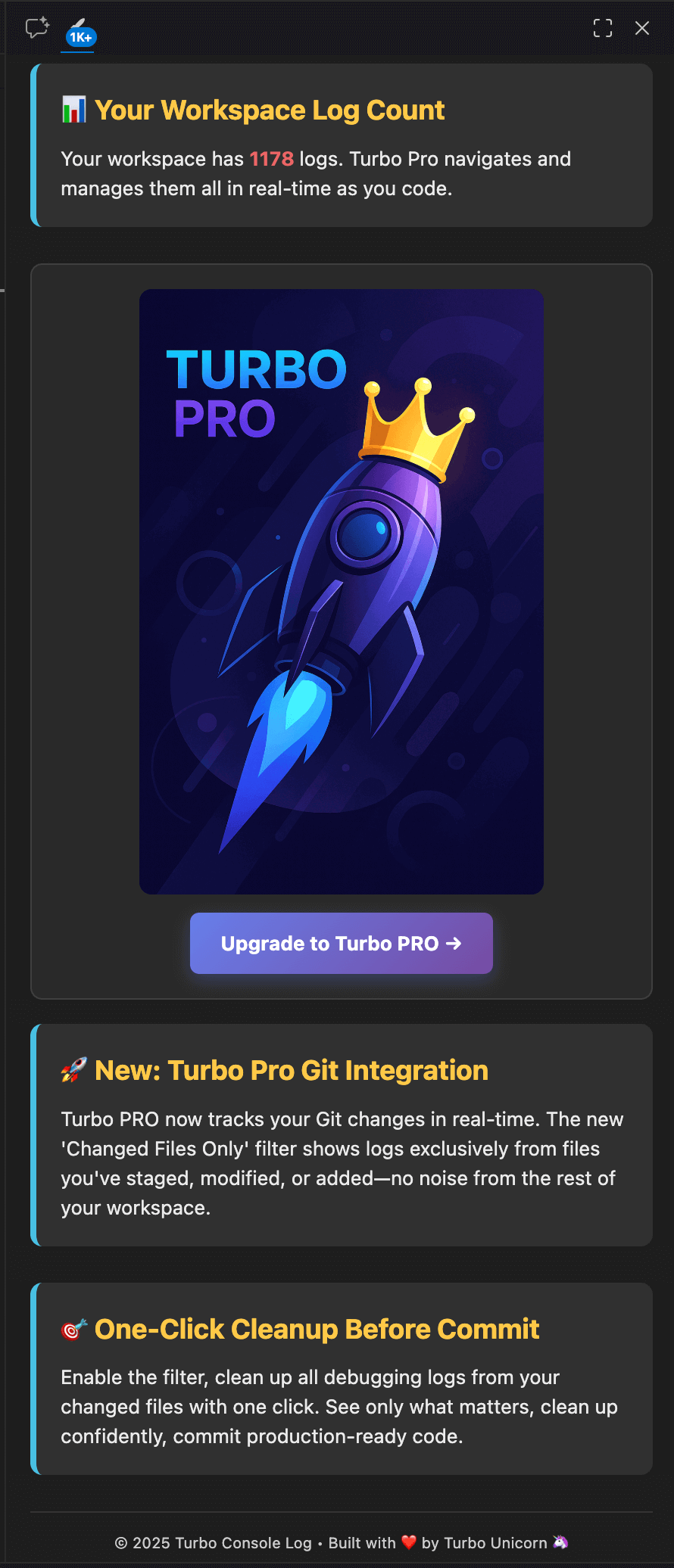
v3.16.0 introduces a log count badge in the Turbo Console Log panel. This feature displays the total number of logs in your workspace, giving you instant visibility into your debugging footprint.
Freemium users see an initial count when opening the panel. Pro users get real-time updates, full tree navigation, and comprehensive log management tools.
The Problem
Without visibility into log count, developers lose track of debugging statements in their codebase. A developer finishing a feature might have debug logs scattered across 15 files—without the badge, they either ship logs to production or waste time manually searching each file.
The Solution: Log Count Badge
The new badge displays your total log count directly in the panel header.
Freemium: See total log count when opening the panel. Provides basic workspace awareness.
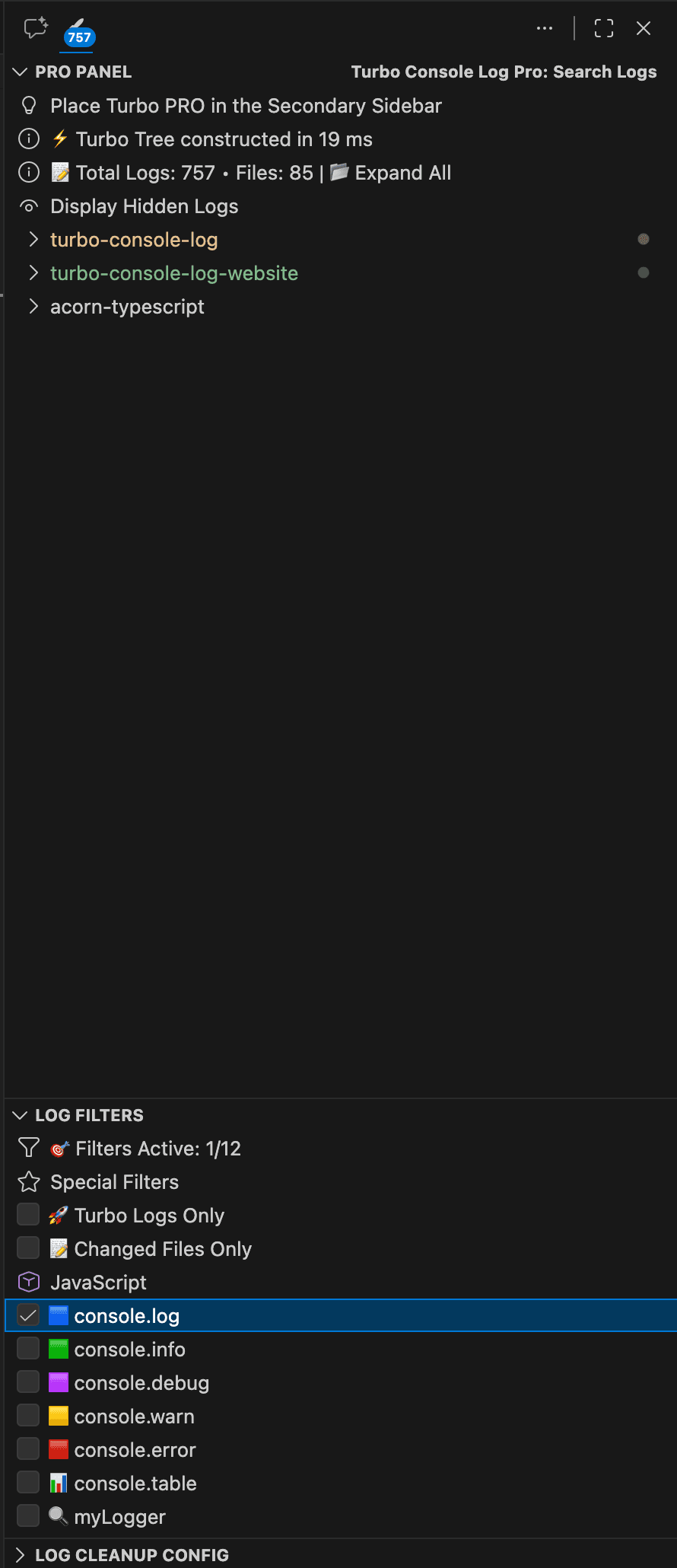
Pro: Real-time badge updates, tree navigation, filtering, search, mass operations, and Git integration.
Pro Workflow Example
For Pro users, combine the log count with filtering for efficient log cleanup:
- Insert debug logs with Turbo markers throughout development
- Enable "Turbo Logs Only" filter to isolate them
- Review the count and navigate to specific logs
- Use "Delete All Logs From Config" to wipe them
- Commit clean code
How It Works
The feature uses pure regex-based detection to scan workspace files and count console statements—fast and 100% accurate.
- Freemium: Scans workspace once when panel opens
- Pro: Updates in real-time on file save and upon Git changes